
You've recently migrated from your previous host and now your previous installation of Softaculous scripts is either now not properly configured which now results in you not being able to do a 1-click sign in to your installation.
Here's how you go about fixing this.
- Visit Softaculous
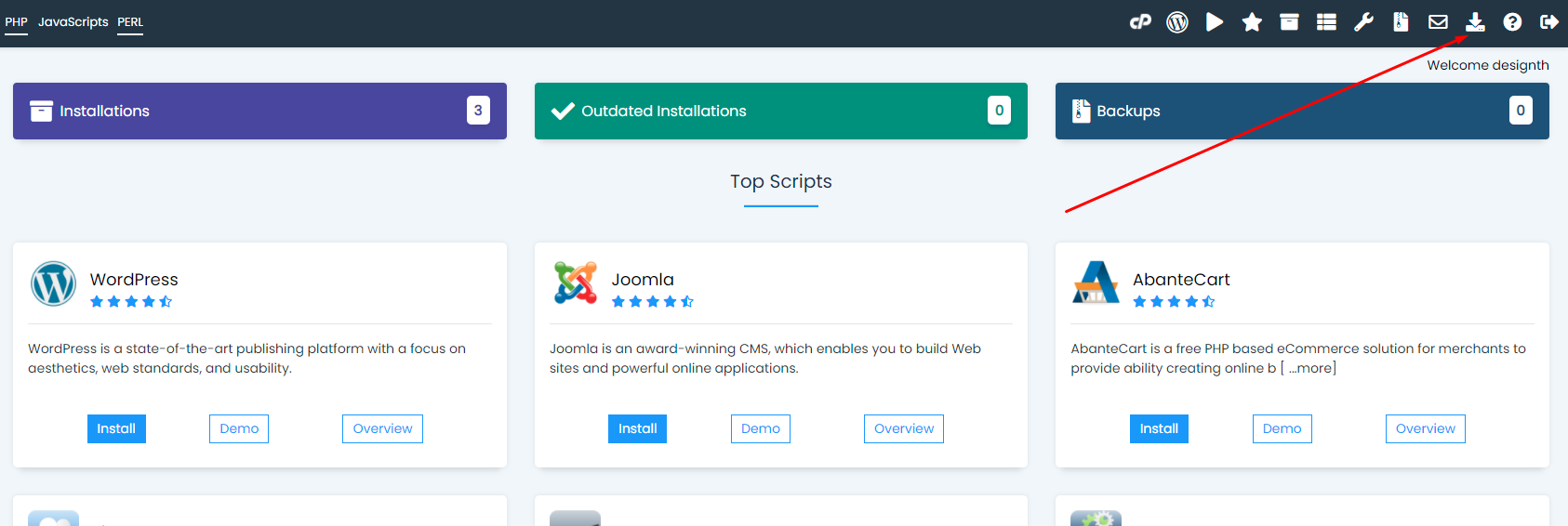
- Click on the import installations icon (image below)
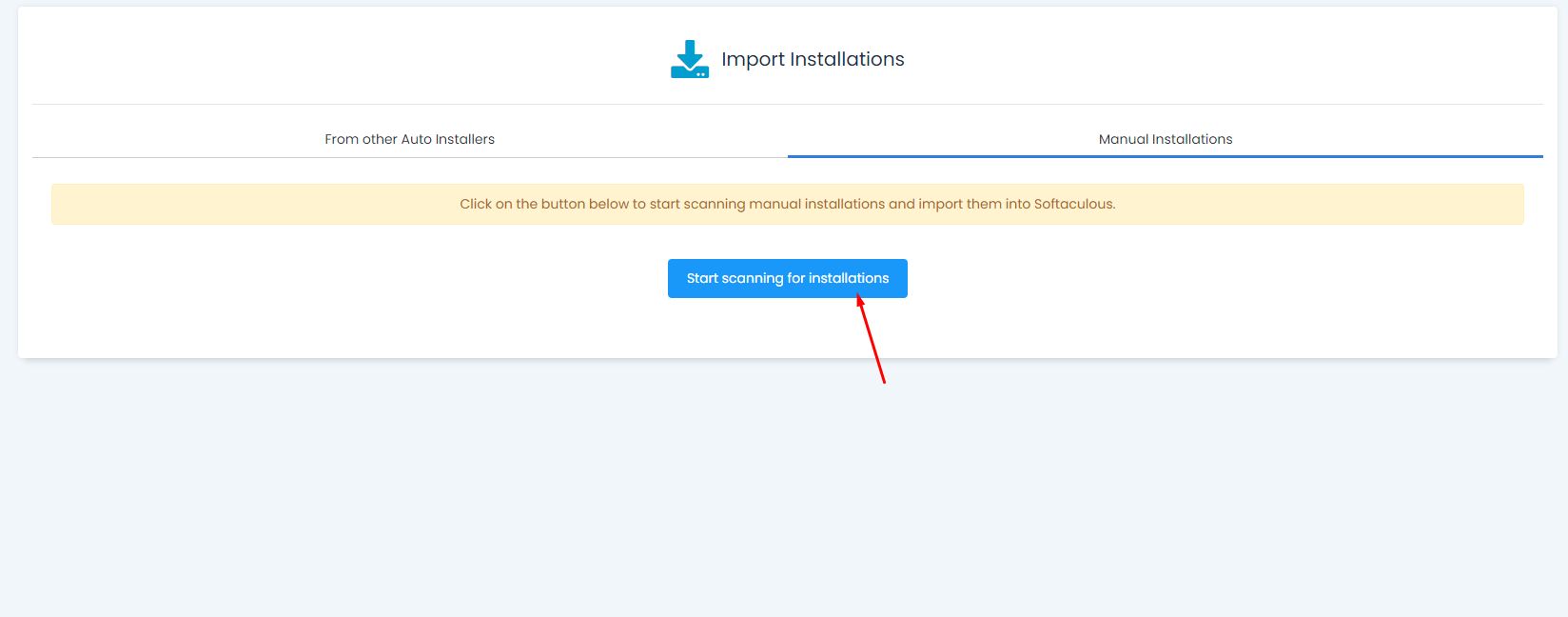
3. Click on the manual installations tab
4. Click on start scanning (Image below)
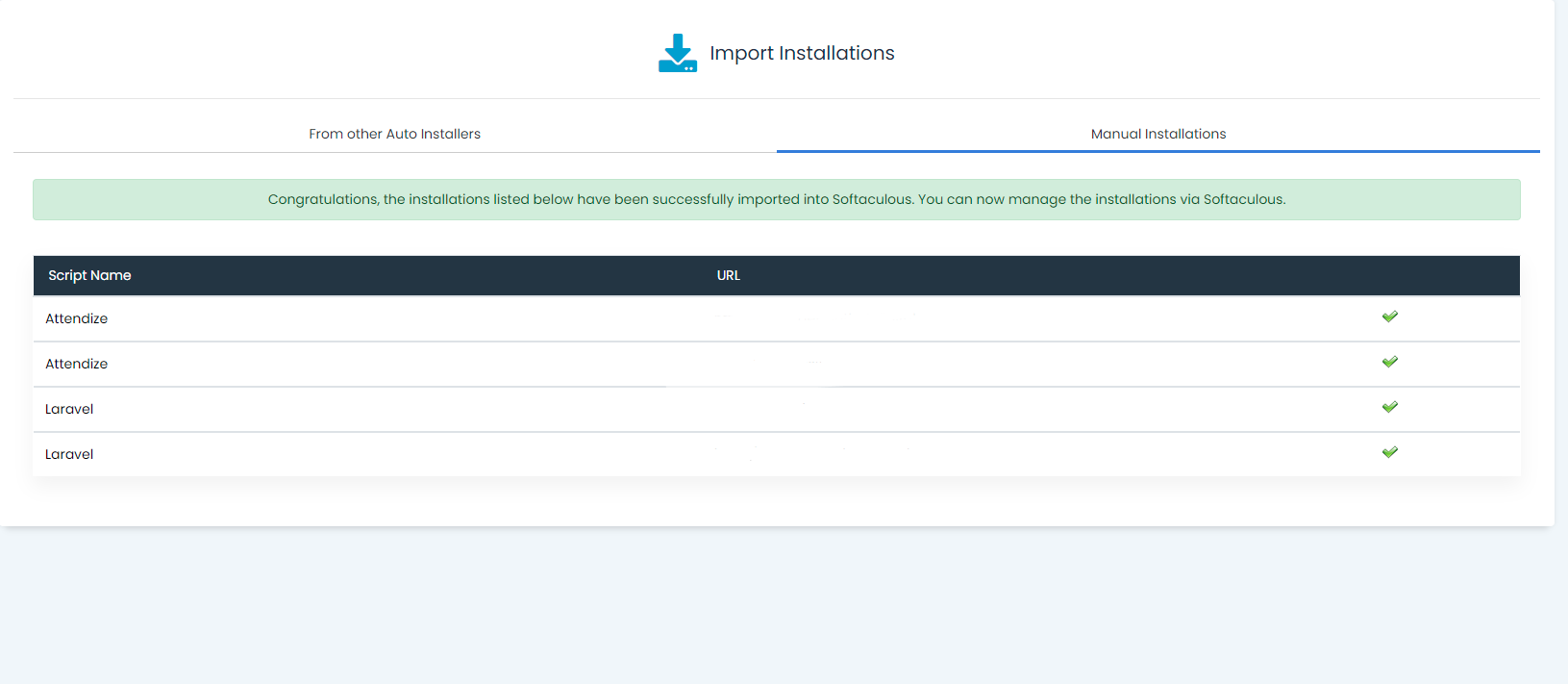
5. Once the scan is complete it will allow you to import the identified installations that are supported by Softaculous and you will be able to import them into your script installations list.
If you are still unable to import the installations please open a ticket to the hosting department.